
Concept & Design
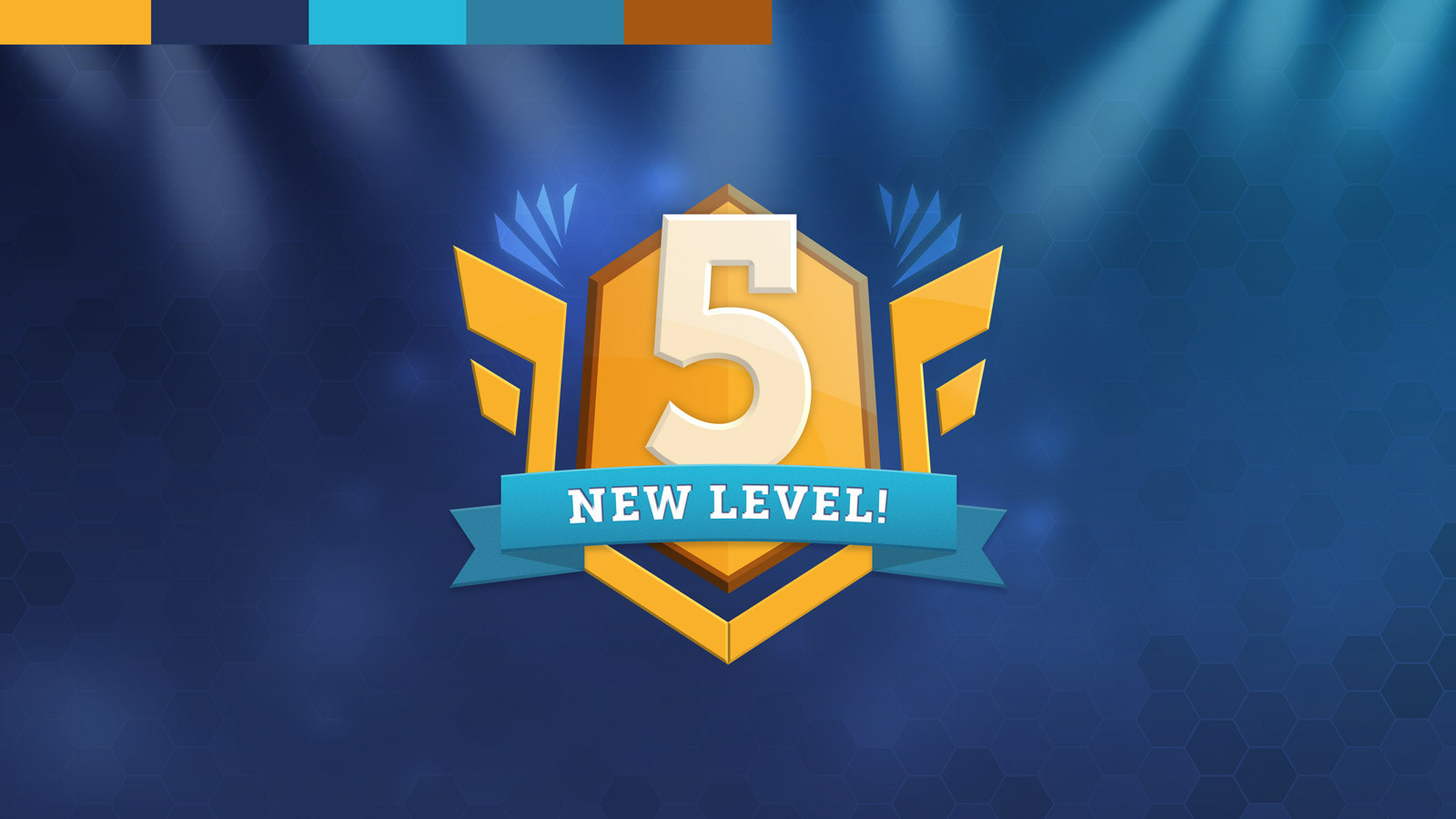
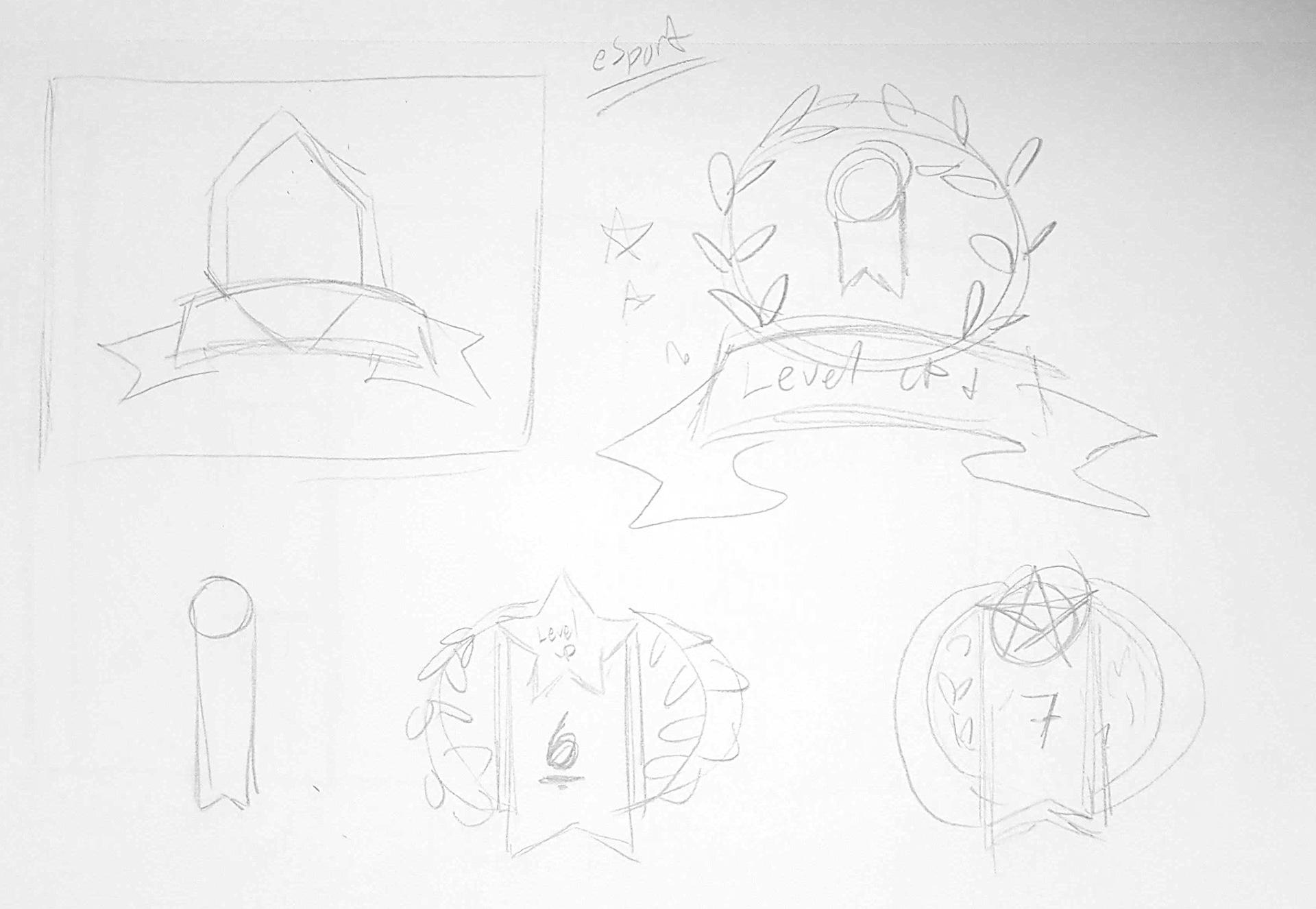
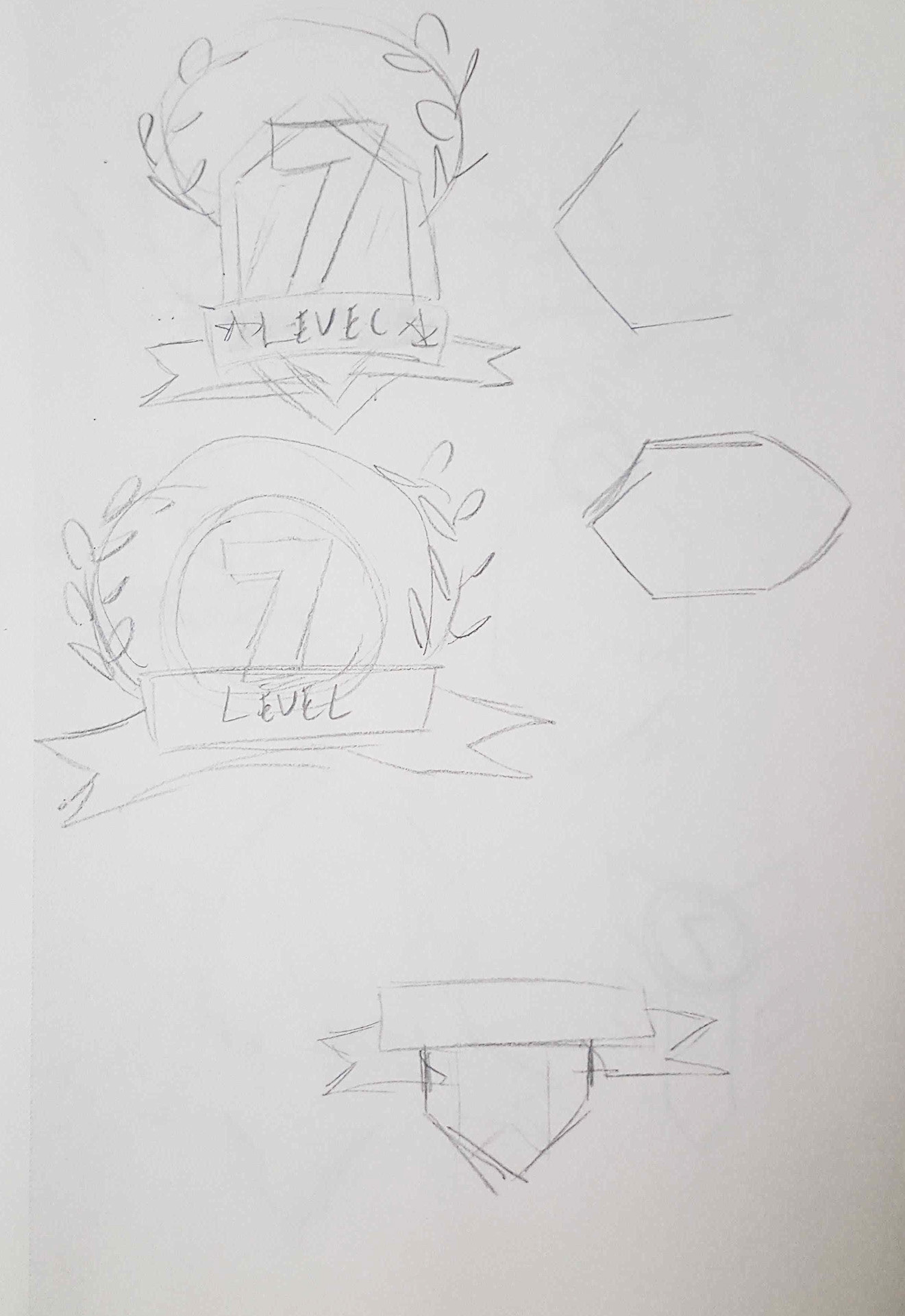
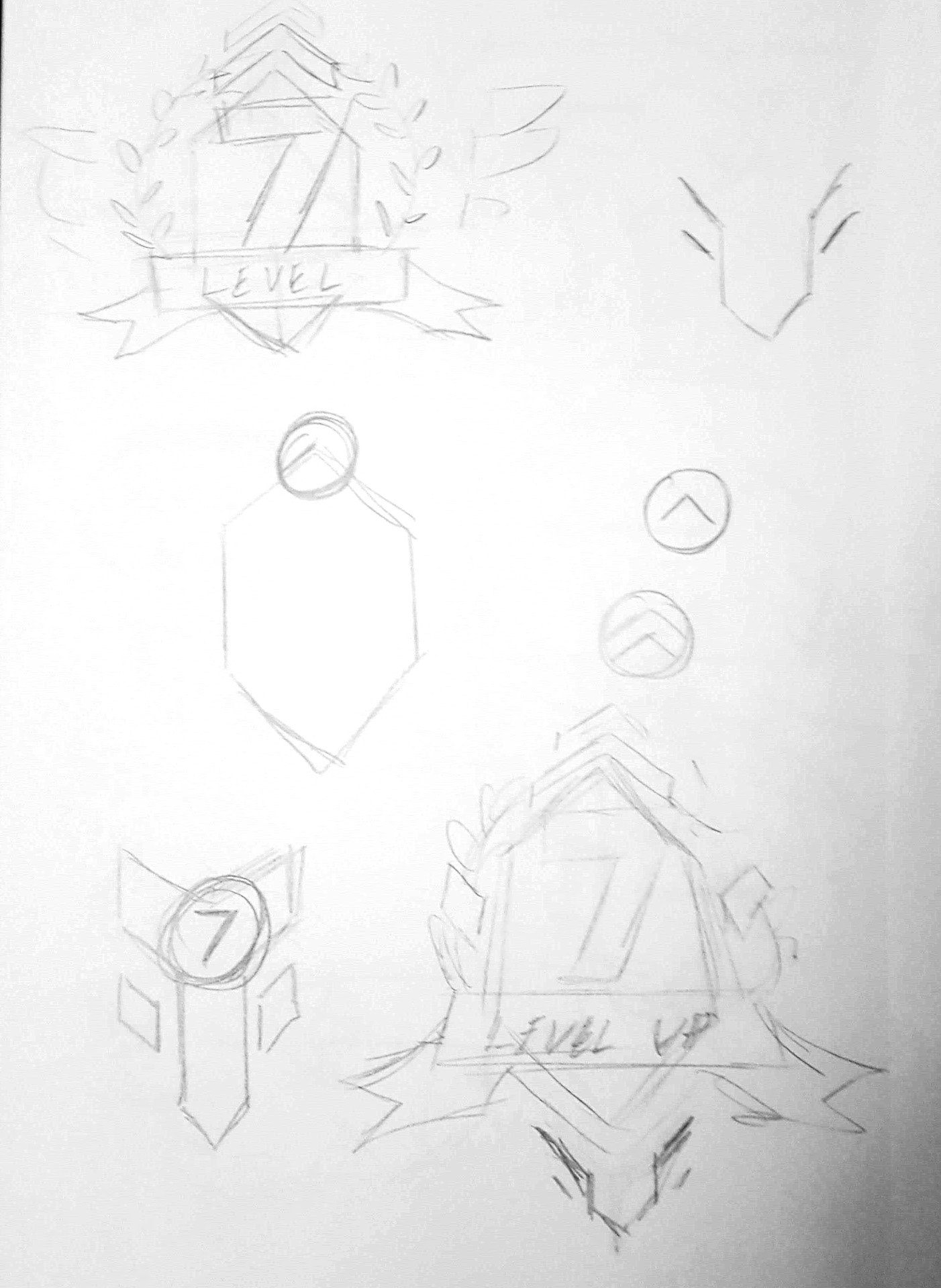
I love video games that employ an interesting or creative art style, such as Team Fortress 2, Fall Guys, etc. I envisioned making a level-up transition screen for a casual-adventure game that was 3D but also very bright and cartoonish. I imagined this to be something like an arena shooter game with robots or something.
I added the robot bunny character as a stand-in, as I didn't have the capacity or time to create a polished 3D character.



.
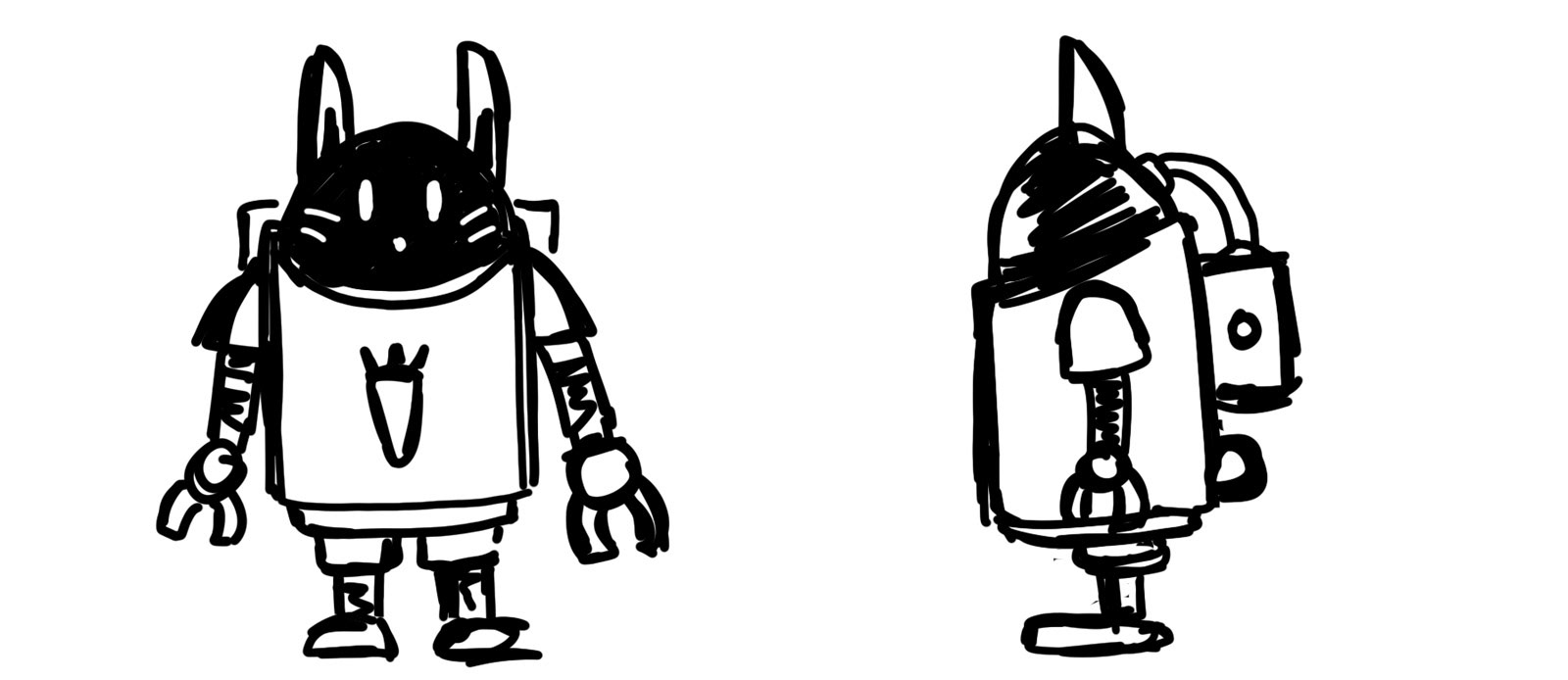
Original spacy bunny concept
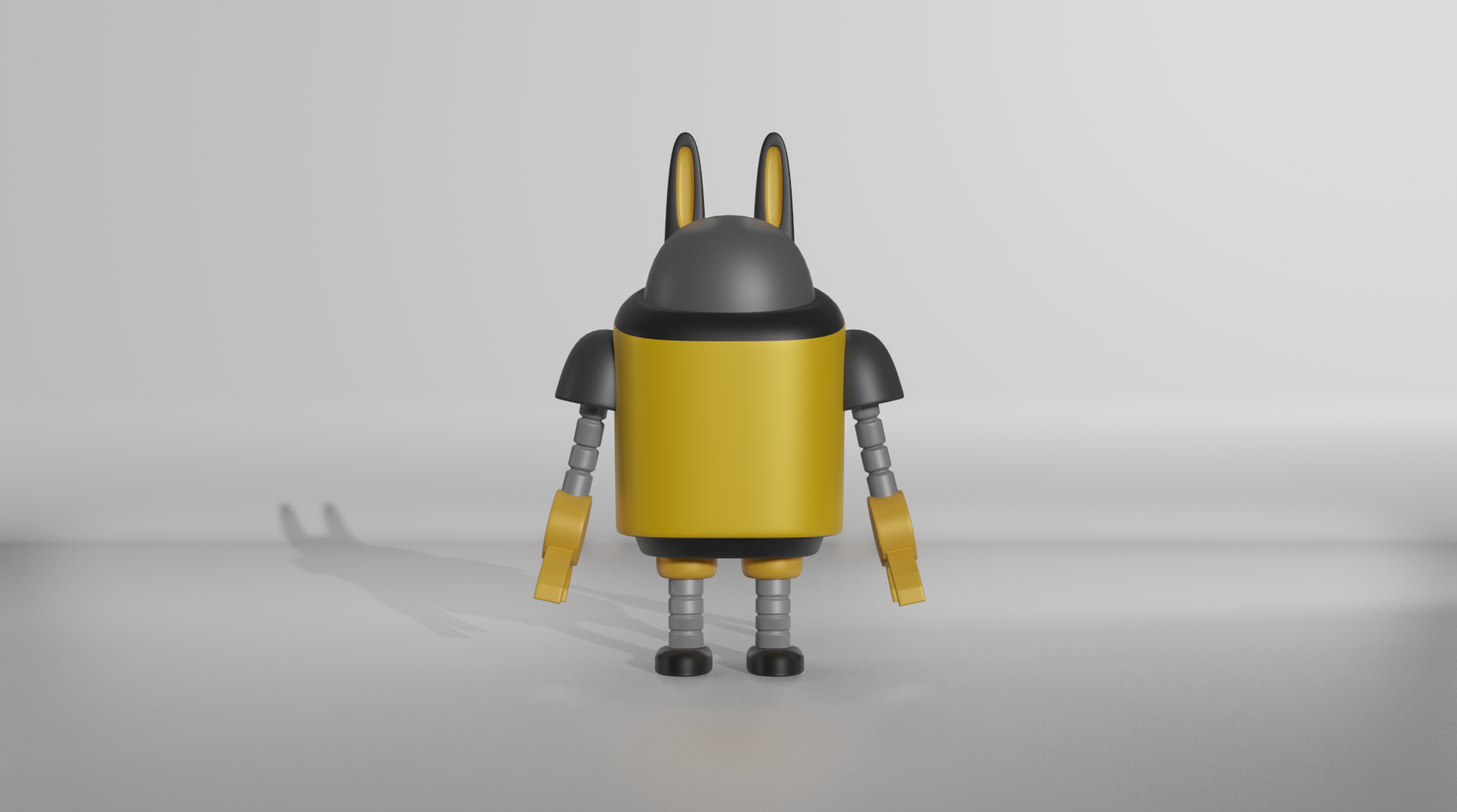
Early version of the Robot Bunny
Project Notes
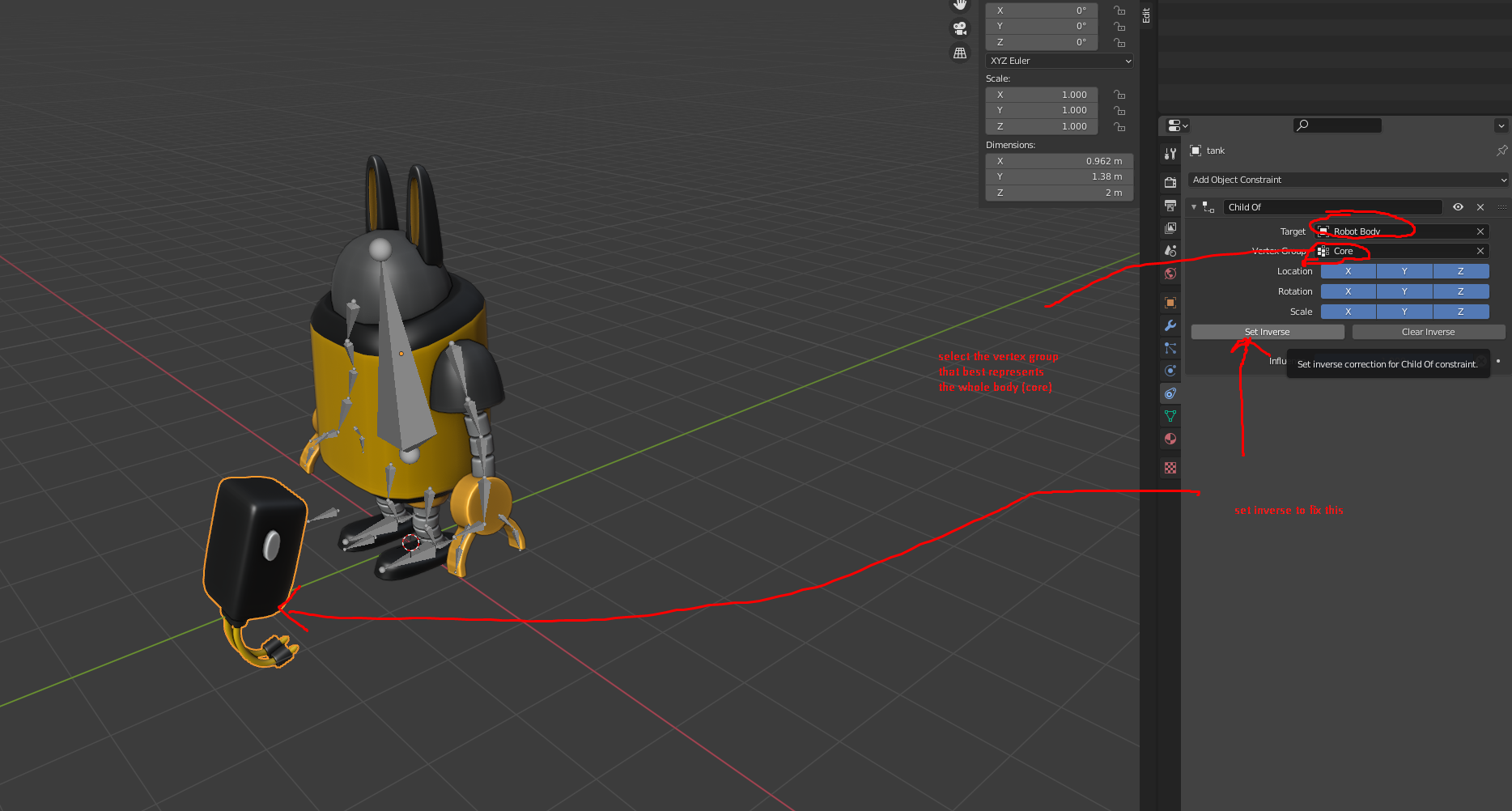
Attaching an object to another object (without joining meshes)
I actually don't recommend this method unless you don't plan on animating. This is fine if you just want to parent one mesh to another, but once you start rigging and animating bones things get messy quickly. Instead, just join the mesh and weight paint / assign vertex group.
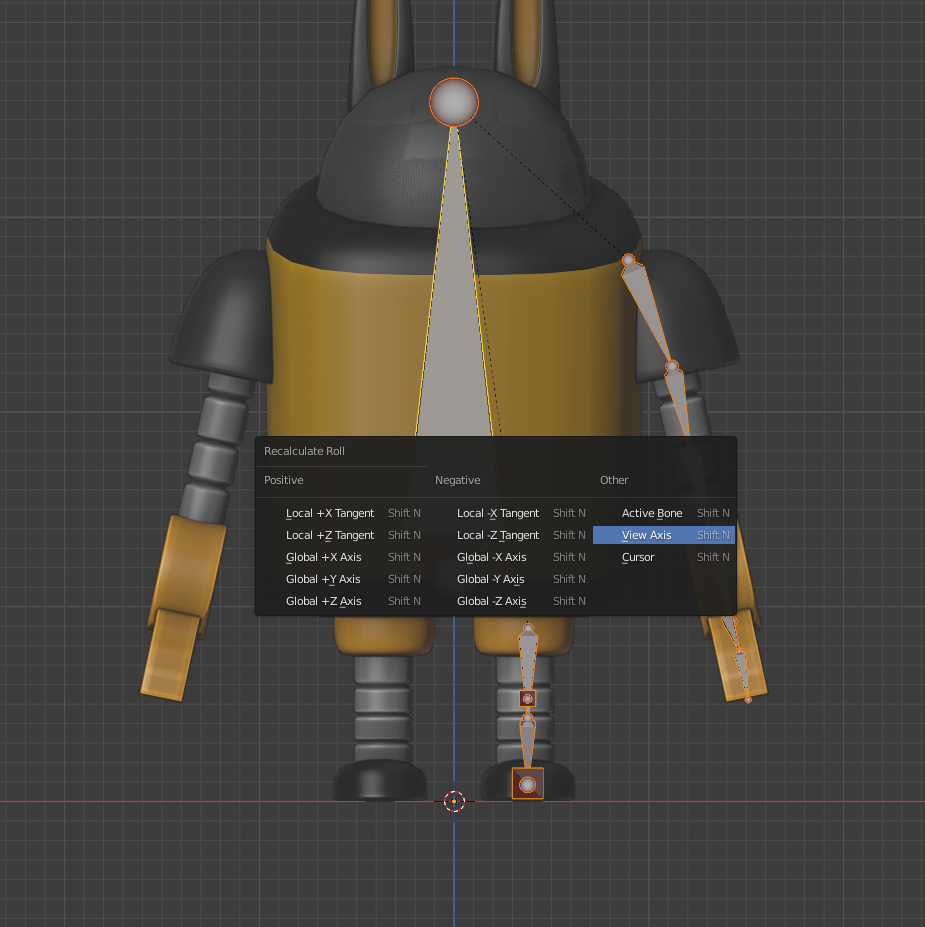
Recalculate Roll
This is something I need to remind myself every time I'm about to set up an IK system. All I know is that this prevents any weird rotation problems when working with IK. Besides that, I honestly don't know why this is even something we have to be aware of.
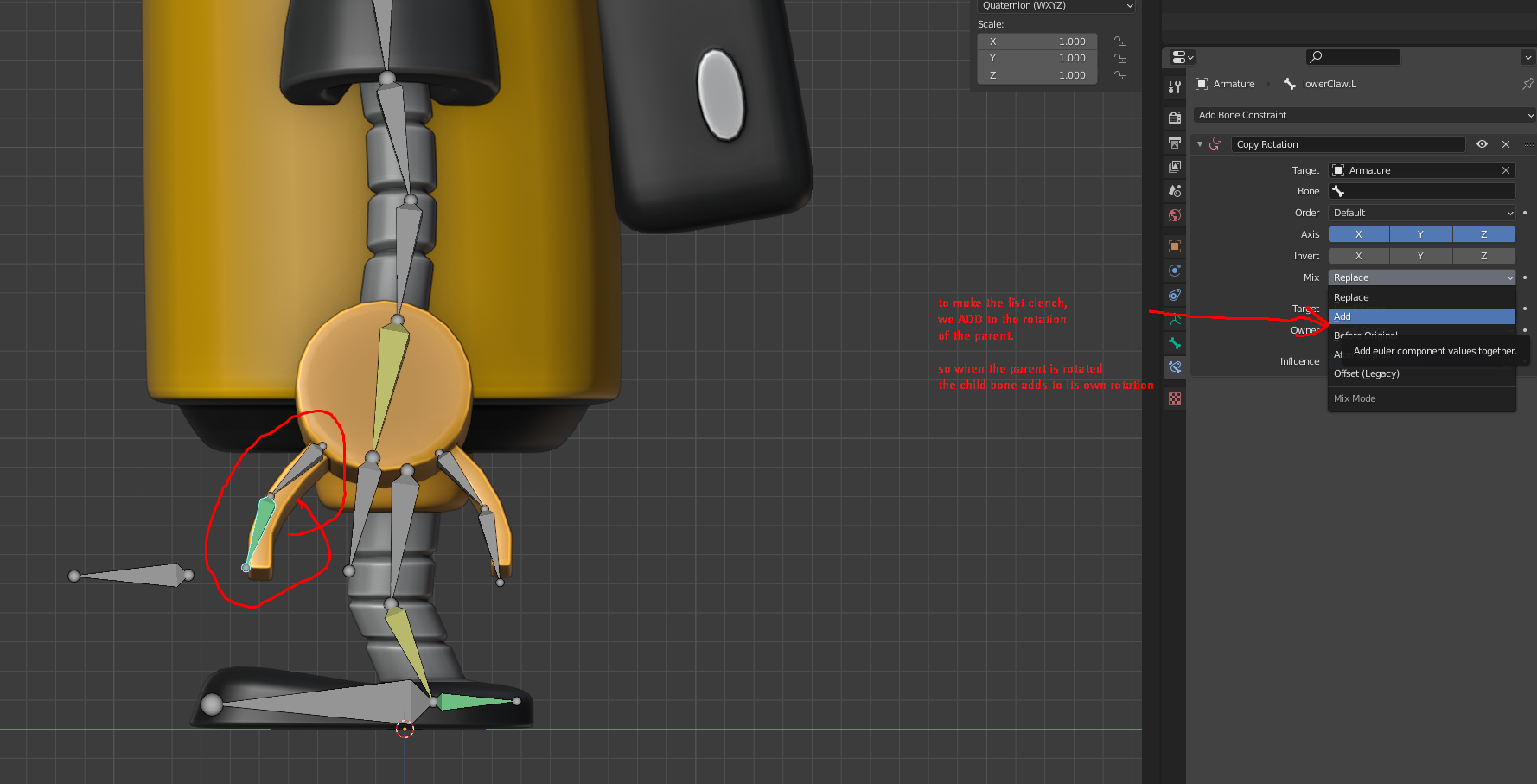
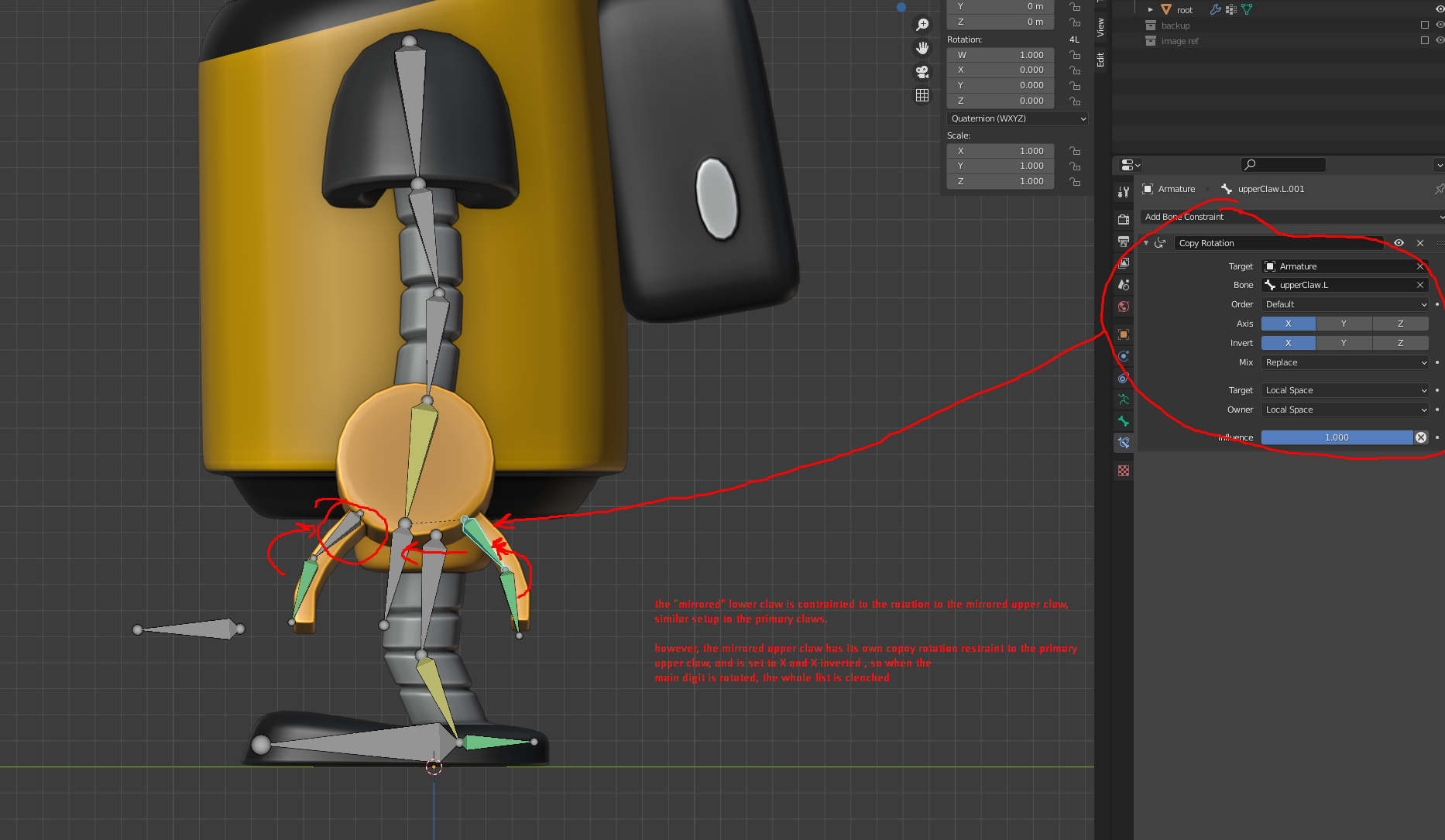
Clenching the Claw using Copy Rotation + ADD
I set up the claw in a way so that I only have to animate ONE bone in the claw armature to animate the clenching motion. I have the tip joint/bone with a copy rotation constraint added, with the Target property set to ADD. What this does is it will add on whatever rotation has been applied to the target bone. I did the same with the opposite bone except inverted the X rotation, then repeated the same step as above with the opposite tip bone.
Using a bone Driver to animate the Claw
Coming soon!
Robot Arm Texture and Orientation
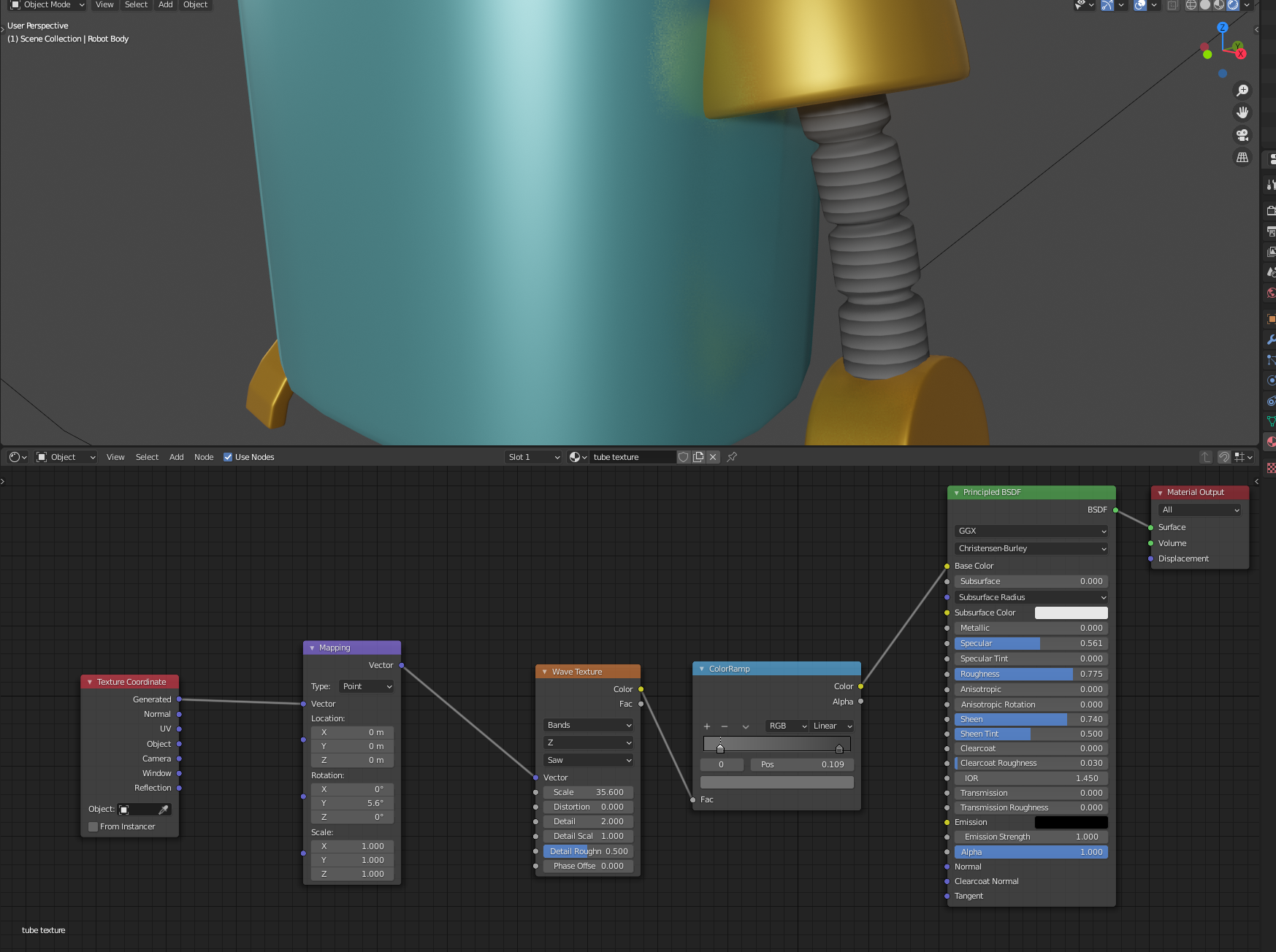
Here is my node setup for making the pattern for the arms and legs. The wave pattern is oriented correctly via the mapping node using the rotation property.
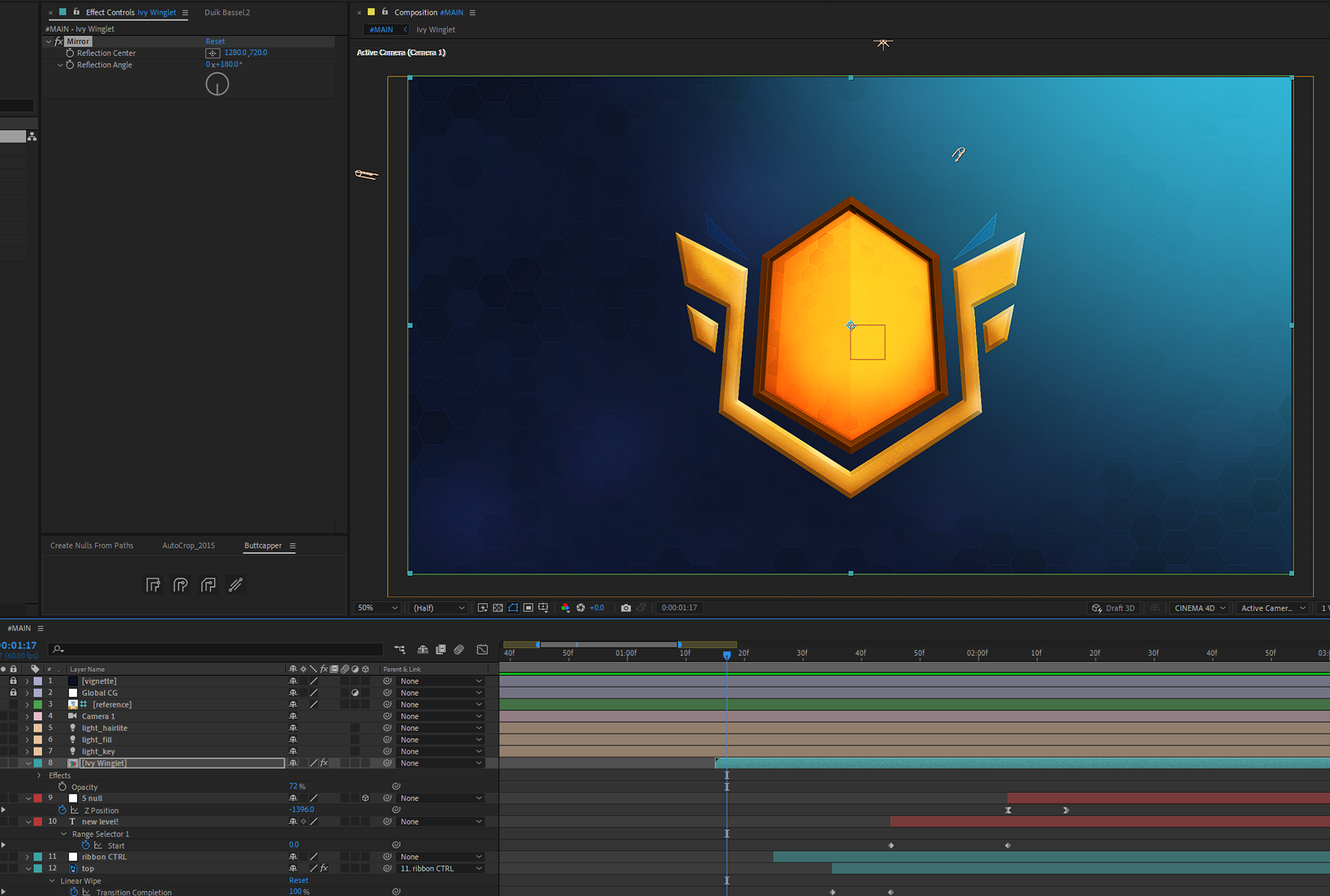
After Effects MIRROR effect - didn't know this existed!
I don't think I need to expand on this. Used it to mirror the "winglet" animation along the comp center line.
Stardust - hexagon pattern
I created a tutorial (effects breakdown) on my Mograph Lab Instagram to highlight the key steps to making this hexagon splash effect using the Stardust plugin.
Project Details
Approx. project length: 3 weeks ish part time
Photoshop
After Effects
Blender 2.9
Stardust
Element 3D
Photoshop
After Effects
Blender 2.9
Stardust
Element 3D